

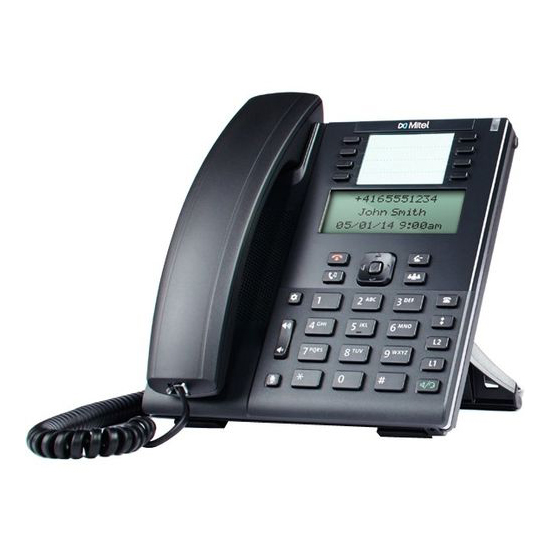
Mitel Cloud Phone
MiCloud Connect built on Google Cloud is an easy-to-use, end-to-end cloud communications, collaboration and contact center service. By combining an intuitive user experience, with our focus on customer success and Google Cloud’s proven reliability, the MiCloud Connect service makes every aspect simple.
Related Products

Avaya 9611G
Avaya 9611GAvaya 9611 IP Deskphone is a multi-line premium deskphone ideally suited for Essential users (people who spend considerable amounts of time on the phone) who rely on intelligent communications and productivity enhancing capabilities.
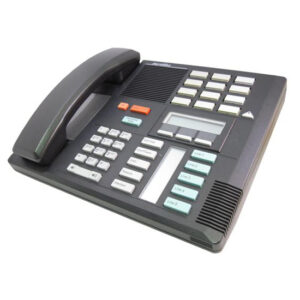
Nortel M7310
Nortel M7310The highly functional Norstar M7310 phone of the Meridian Norstar M family is compatible with the Nortel Meridian telephone system and comes in the choice of three colours: black (NT8B22AA-03), ash (NT8B22AA-35) or grey (NT8B22AA-93).
The Nortel M7310 Phone is ideal for areas where frequent repeat calls are made, such as accounts, sales or purchasing departments, due to the extensive autodialing features of this model. In addition, secretaries, managers and professionals, who make and receive a large volume of calls, would also equally benefit from the M7310.
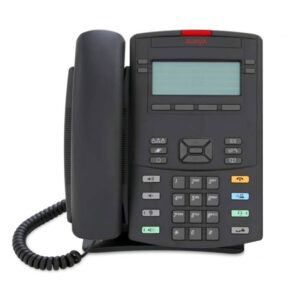
Avaya 1220
Avaya 1220The 1220 IP Deskphone is a multi-line, intermediate-level desktop phone in the exciting 1200 Series IP Deskphones.
Originally designed and optimized for small and medium-sized businesses, the 1200 Series IP deskphones are now extended to enterprises, offering a competitive feature set with contemporary styling. The 1220 IP Deskphone is ideally positioned for employees with moderate communication needs.
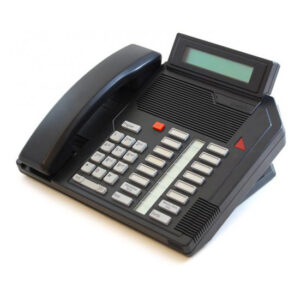
Nortel M2616
Nortel M2616The M2616 Telephone is a multi-line business phone that is available with a display option. The display option provides additional information and interactive prompts. Use with your Nortel Option and SL1 PBX system.
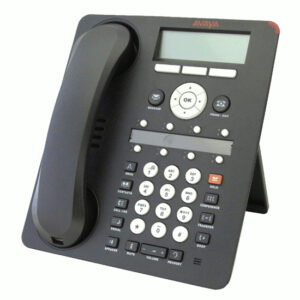
Avaya 1608
Avaya 1608The Avaya 1608 IP Telephone is designed for the everyday user. Everyday users typically rely on several forms of communication including voice and email – and while they require a quality telephone, they rarely receive more that five or six calls per day.
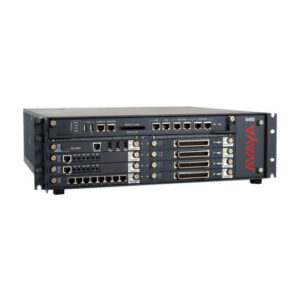
Avaya G450
Avaya G450The G450 Media Gateway consists of a 3U high, 19″ rack mountable chassis with field-removable Supervisor Main Board Module, Power Supplies, Fan Tray, DSP resources and memory. It has eight Media Module slots that host a combination of interface boards to support T1/E1, ISDN-BRI, WAN interfaces, digital or analog telephones and analog trunks.